- menu
- restaurant
- café
- kuwait
- qr code
A menu website for your restaurant or café in Kuwait
How a café or restaurant in Kuwait can put its menu online: QR codes on tables, KWD prices, sold-out marks, allergens, Order on WhatsApp and paying online.
5 min read
Updated
In short
A menu website is your menu at its own address, readable on any phone in Arabic and English, with prices in KWD and dishes marked when they sell out. Link it from a QR code on each table and from your Instagram bio, let customers order on WhatsApp or pay online, and keep it beside the delivery apps as the channel you own.
Most customers meet your menu on a phone: they scan a QR code at the table, tap the link in your Instagram bio, or search for you on Google Maps before they come. A PDF of your printed menu or a photo of the board works badly there: tiny text, no search, and out of date the day a price changes. A menu website fixes all three, and it is one of the simplest sites a food business can have.
This guide covers what a good online menu shows, how to use QR codes well, how to handle prices, sold-out dishes and allergens, and how ordering fits beside the delivery apps.
What a good menu website shows
Think of the customer standing at your counter, or deciding at home where to eat tonight. They want to know quickly:
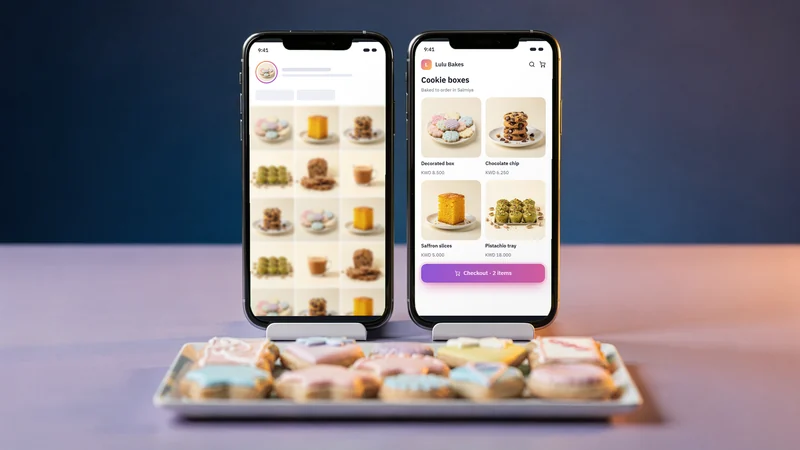
- What you serve, in sections they recognise: breakfast, mains, sweets, hot and cold drinks.
- What each dish is, with a short, appetising description and a real photo where you have one.
- How much it costs, in KWD with three decimals.
- What is available now, so nobody orders the dish you ran out of at noon.
- Where and when: your address with a map link, opening hours (Friday and Ramadan hours included) and a phone or WhatsApp number.
- How to order: dine in, pick up, delivery, or all three.
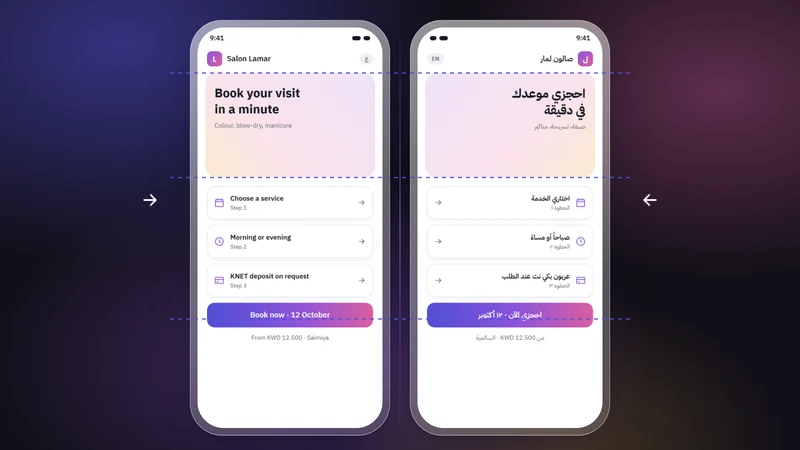
Write both languages properly. Dish names often keep their Arabic or original name in both versions, with a description in each language, and a customer reading in Arabic should never meet half a sentence in English. Our Arabic-first checklist covers the details.
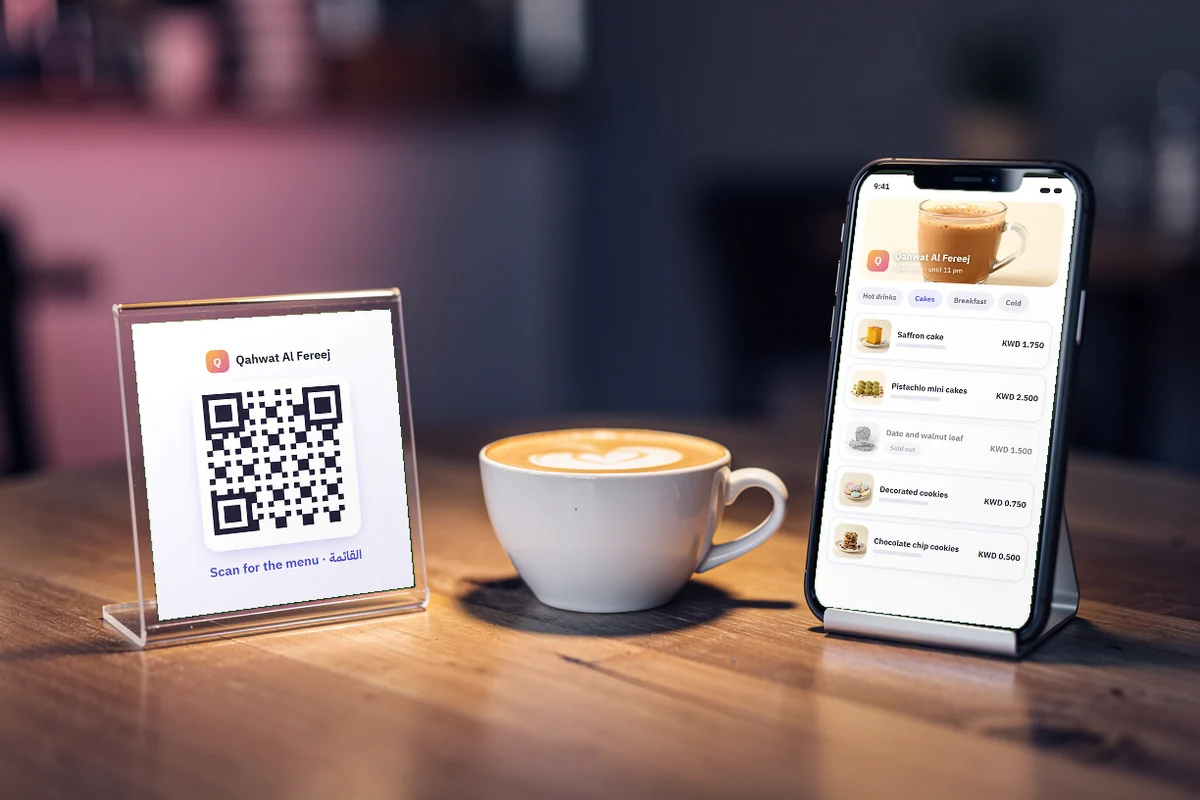
QR codes on the tables
A QR code on each table is now the normal way to open a menu, and it is cheap to do well:
- Point it at your menu page, not at a PDF. The page loads faster on a phone, stays readable, and changes the moment you change a price.
- Use your own address. If the code points to your site, you can change platforms later without reprinting every table card.
- Print it big enough to scan from a seat, with a short line under it: "Scan for the menu" and "امسح لعرض المنيو".
- Test it on several phones in your dining room's light before printing a hundred.
Keep a few printed menus for customers who prefer paper. A QR code should be an option, not a barrier.
Prices, sold-out dishes and allergens
Prices in KWD
Show every price in KWD with three decimals, the same in both languages: 1.750 KWD, not 1.75 or "1 KD 750". If prices differ for dine-in and delivery, say which one the menu shows. Update the website the same day you change the board.
Sold-out marks
A dish you cannot serve today should be marked as sold out rather than deleted. The customer still sees that you make it, and you do not need to rebuild the page tomorrow. This matters most for daily specials, seasonal desserts and anything that sells out by evening.
Allergens
Customers with allergies want to know what is in a dish before they order. In each dish's description, name the common allergens you know it contains, such as nuts, sesame, milk, eggs, gluten or seafood, and add a line saying that your kitchen handles them, so traces are possible. When in doubt, invite customers to ask staff before ordering. Never guess: a wrong "nut free" is worse than no label.
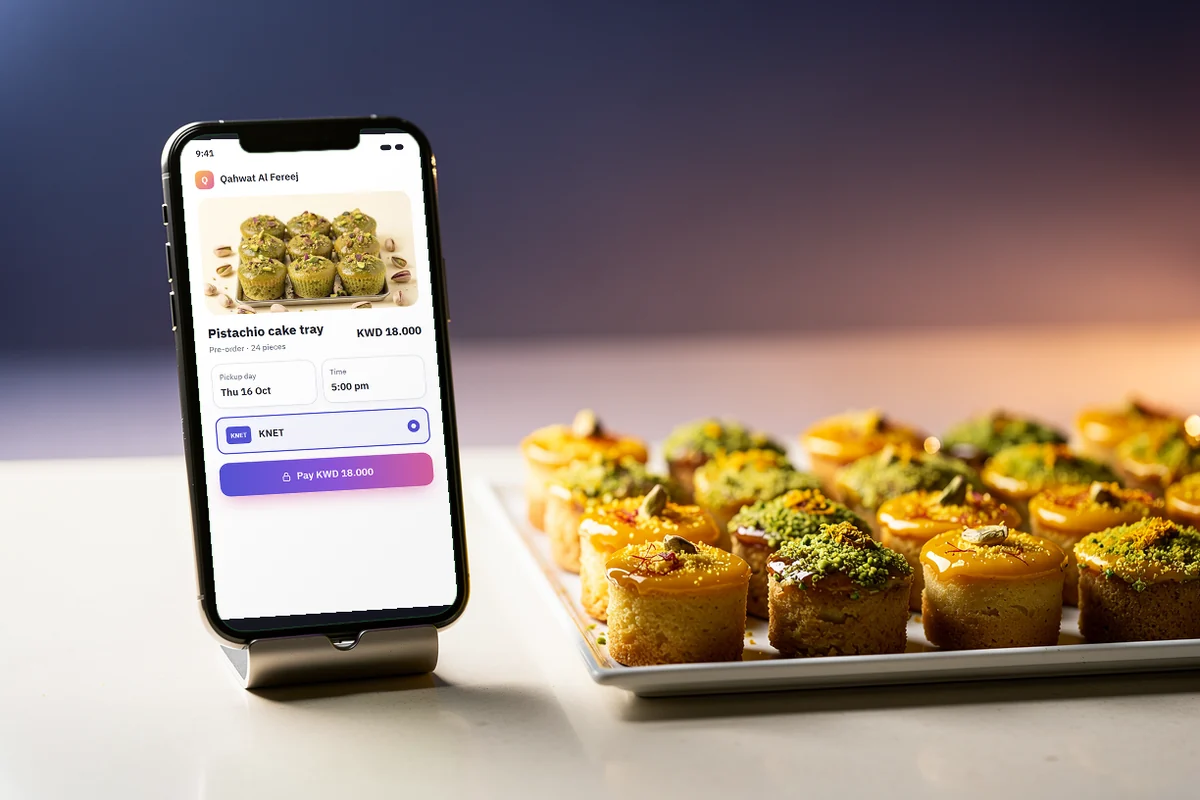
Ordering: your own channel beside the delivery apps
Delivery apps bring customers who are already hungry, and for many restaurants they are a large share of orders. They also take a fee on each order, decide how you appear, and keep the customer's details. Your own menu site is the channel you control, and the two work well together:
- Order on WhatsApp. A button beside each dish opens WhatsApp with the dish already written in the message, and the customer sends it to you. It suits pick-up orders, catering requests and regulars who know you. WhatsApp calls these links click to chat.
- Pay online. For pre-orders such as Eid sweets, cakes and trays, customers can pay by KNET or card when they order, so you do not chase payments. The money goes to your own payment gateway account. Our guide to accepting KNET and card payments online explains how.
- Keep the delivery apps for delivery. Use your site for what the apps do badly: your full story, your catering menu, pick-up orders and the regulars who would rather order from you directly.
Getting found
Put your menu link everywhere hungry people look: your Google Business Profile, your Apple Maps listing, your Instagram bio and story highlights, and the receipt you hand over. On Google, keep your hours, photos and phone number in step with your site. If you are moving from an Instagram-only menu, our guide on going from Instagram to your own website walks through it.
How Darwaza builds menu sites
Darwaza builds bilingual websites for small businesses in Kuwait and the Gulf, and a menu with Order on WhatsApp is one of its ready-made parts. You get menu sections and dishes with photos and prices in KWD, favourites shown on your home page, sold-out marks, and an editor in your admin to change prices and dishes any time. Your address, hours and WhatsApp number appear on every page, and the site is designed for phones first.
Online payments through your own account with UPayments, Tap, MyFatoorah or Hesabe are coming soon; until then, customers order on WhatsApp. Tell Darwaza about your café or restaurant in Arabic or English, and you can start free.
Frequently asked questions
Is a PDF menu enough for my restaurant website?
It is better than nothing, but a menu page works much better on phones. Text is readable without zooming, search engines can read it, each dish can link to WhatsApp, and a price change is live the same minute instead of waiting for a new file.
Should my menu website replace the delivery apps?
Usually not. Delivery apps bring hungry customers and handle the riders. Your own menu site is the channel you control: pick-up and pre-orders, catering, and regulars who prefer ordering from you directly. Many cafés use both.
How should I show allergens on an online menu?
Name the common allergens you know each dish contains in its description, such as nuts, sesame, milk, eggs, gluten or seafood, and say that your kitchen handles them, so traces are possible. Invite customers with allergies to ask staff before ordering, and never label a dish free of something you cannot guarantee.
Can customers pay for their order online with KNET?
Yes, through a payment gateway account in your business’s name. It works best for pre-orders such as cakes, trays and Eid sweets, so you are paid before you start. Everyday pick-up orders can stay on WhatsApp with payment at the counter.
Sources
Facts that change were checked at the source on the dates shown.
- WhatsApp Help Center: how to use click to chatfaq.whatsapp.comChecked
- Google Business Profilebusiness.google.comChecked
- Central Bank of Kuwait: register of e-payment service providers (April 2024)cbk.gov.kwChecked