- security
- privacy
- customer data
- small business
How your customers' data stays yours, in plain words
Separate databases, keys kept out of the code, HTTPS, checks before every release and protection against abuse: what each one means for your customers, plainly.
5 min read

In short
Your customers trust you with their names, phone numbers, orders and bookings, so ask any provider five plain questions: is my data kept apart from other businesses, where are the keys, is every page on HTTPS, is each change checked before it goes live, and what stops a flood of fake sign-ups. This guide explains each one without jargon.
When a customer books an appointment or places an order on your site, they hand you something personal: their name, their phone number, sometimes their address, and a record of what they bought. Most owners never see where that data lives or how it is protected. You do not need to become a security expert, but you should know enough to ask the right questions.
This guide explains, in plain words, the layers that keep a business's data safe and separate, what each one protects against, and what to ask before you trust a provider with your customers.
Separate databases: your records, in their own place
A database is where your site keeps its records: customers, orders, bookings, messages. Some platforms keep every business's records in one big shared database and rely on the software to show each business only its own rows. That can work, but a single mistake in the software can show one business another's records. Problems of this kind, where someone sees data they should not, are at the top of the OWASP Top 10, a widely used list of the most common web security risks.
A safer design gives each business its own database and its own storage for files and photos. Then there is nothing to mix up: your records are not in the same place as anyone else's.
Ask: "Does my site have its own database and its own file storage, or is it shared with other businesses?"
Keys and passwords stay out of the code
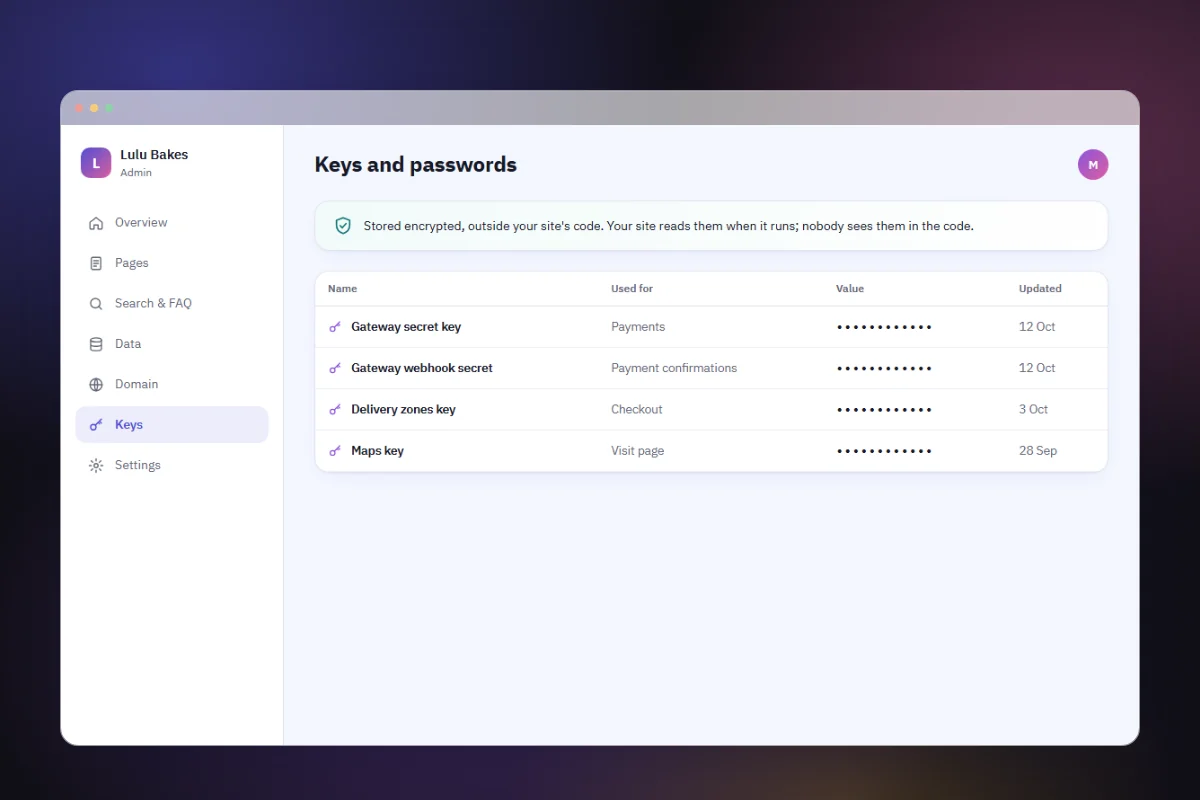
A site uses secret keys to talk to other services, for example your payment gateway. If those keys are written into the site's code, anyone who sees the code, such as a freelancer, a former partner or someone who gets a copy, can use them. The OWASP Secrets Management Cheat Sheet names keys left in source code as a common problem.
The safer way is to add keys to the running site separately, when it goes live, so they are never part of the code or of any download of it.
Ask: "Where are my payment keys kept? Are they ever in the code I can download?"
Card details never touch your site
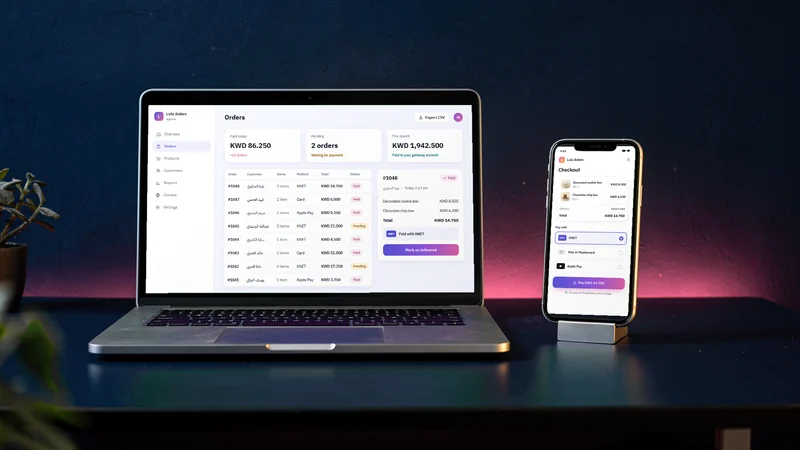
The safest card data is the data you never hold. When customers pay on the payment gateway's own secure page, their card number goes to the gateway, not to your site. That keeps your business out of most of the card industry's security rules, known as PCI DSS, and means there is no card data on your side to leak.
Ask: "Do customers type their card details on my site, or on the gateway's page?"
HTTPS on every page
HTTPS is the padlock in the browser's address bar. It encrypts what travels between the customer's phone and your site, so a booking form sent over café Wi-Fi cannot be read along the way. It needs a certificate, which services such as Let's Encrypt issue and renew automatically. Every page should use it, not only the checkout, and on your own domain as well as on a free address.
Ask: "Is every page served over HTTPS, and who renews the certificate?"
Every change is checked before it goes live
Software changes often: a new price list, a new page, a fix. Each change is a chance to break something or to introduce a weakness. A careful provider starts every new version, opens its pages and checks its code, including for unsafe code, before it replaces the version your customers use. If the checks fail, the working site stays as it is.
Ask: "What happens to my live site if a change breaks something?"
Protection against abuse
Not every visitor is a customer. Automated programs try thousands of passwords on sign-in pages, or fill contact forms with junk. Good protection limits how many requests can arrive in a short time, verifies email addresses when accounts are created, and lets a site connect only to services it is meant to use.
Ask: "What stops a flood of fake sign-ups or form submissions on my site?"
What stays your job
Even with all of this, some things are in your hands:
- Collect only what you need. No card numbers, no civil ID copies unless you truly need them.
- Protect your own sign-in. A strong, unique password, never shared with several people.
- Keep exports private. A download of your records holds your customers' details: store it carefully.
- Tell customers what you keep. A clear privacy page in both languages builds trust.
How darwaza keeps your customers' data separate
darwaza builds the software a business runs on, and these layers are built in rather than left to you. Each site that keeps data has its own database and its own file storage, kept apart from every other site. Keys and passwords, such as your payment gateway's, are added to the site securely when it goes live, never written into its code or its code download. Customers pay on the gateway's own secure page, so card details never touch your site. Every site, on its free address or its own domain, is served over HTTPS, with its certificate set up automatically.
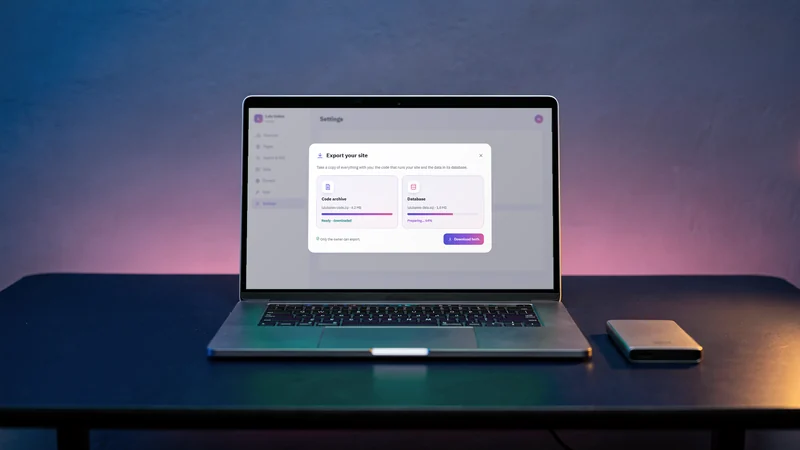
Hosting is managed, and a new version goes live only after its checks pass, including a check for unsafe code; changes reach your site through darwaza, so you never deploy anything. Sign-in and public forms have limits against floods of requests, a site connects only to approved services, and accounts on the platform are protected with verified email addresses and checks on automated sign-ups. Your admin exports your records as CSV files, and on paid plans: Paid plans can download the site's source code and a copy of its database as an SQL file. Photos and files uploaded to the site are not part of the download yet. Nobody can promise that any system is perfectly secure, and darwaza does not. You can start free and see how your own site would be set up.
Frequently asked questions
What does "a separate database for each site" actually mean?
It means your site’s records, such as customers, orders and bookings, are stored in their own database and not in one shared with other businesses. Your photos and files get their own storage too. There is nothing to mix up between businesses, because the records are never in the same place.
Why should payment keys never be in the code?
Because anyone who sees the code could use them. Code gets shared with developers, copied into backups and downloaded. Keys added to the running site separately, at the moment it goes live, stay out of all of those copies.
Do I need HTTPS if I do not take payments?
Yes. Booking forms, contact forms and sign-in pages all carry personal details, and HTTPS protects them on the way from the customer’s phone to your site. Browsers also warn visitors about pages without it. Every page should use HTTPS.
Is any website completely secure?
No, and be wary of anyone who says so. What you can expect is layers: your data kept apart, keys out of the code, HTTPS everywhere, checks before every change, and limits against abuse. Then do your part: collect only what you need and protect your own sign-in.
Sources
Facts that change were checked at the source on the dates shown.
- OWASP Top 10: the most common web application security risksowasp.orgChecked
- OWASP Secrets Management Cheat Sheetcheatsheetseries.owasp.orgChecked
- Let's Encrypt: how HTTPS certificates are issuedletsencrypt.orgChecked
- PCI Security Standards Councilpcisecuritystandards.orgChecked